



Snapchat was the initial social media platform that started the 24 hours story trend. The trend was so well appreciated that every social media platform now has its own story options.
ALSO READ: How To Delete Or Disable Your Instagram Account
In spite of that, Snapchat official client application for Android was never up to the mark. The recent Snapchat updates have annoyed many users even on iOS. So due to any such reasons if you wish to stop using Snapchat then these two methods might help you.
Deactivate Your Snapchat Account
Disabling Snapchat account makes you completely offline from the social media. Once you disable your account, no one can find your profile. In simple words, your account will be hidden from the social media platform until you log in again. Snapchat will delete your account after 30 days of deactivating it.
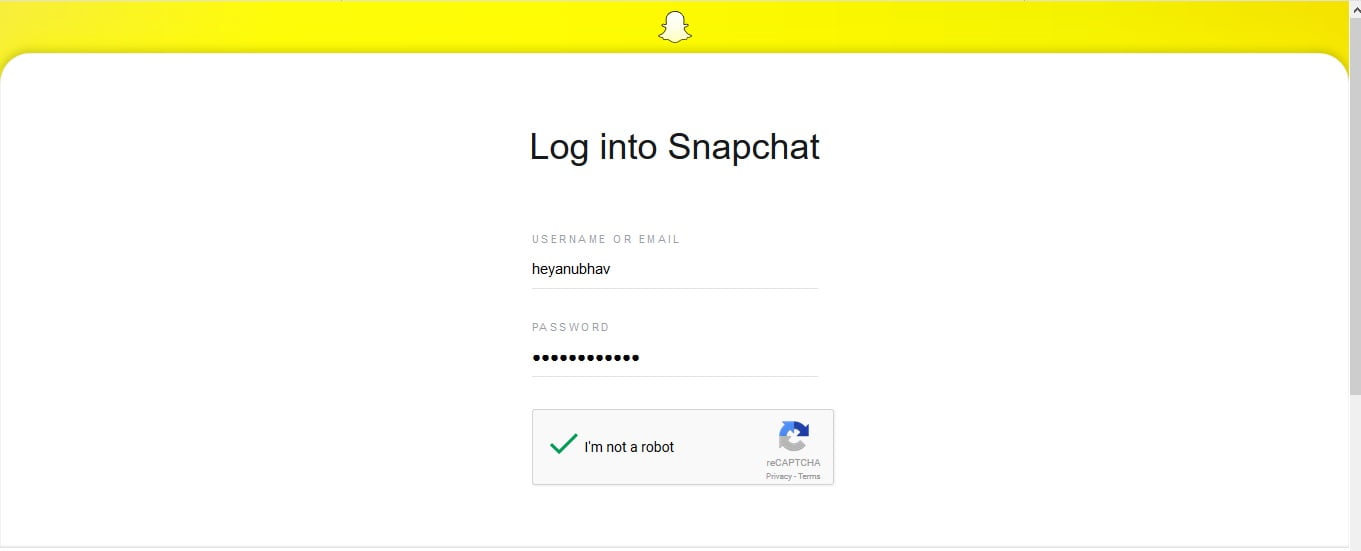
Here’s how to do this;
- Visit this URL https://support.snapchat.com/delete-account on any browser
- Login to your Snapchat Account
- Click on submit
- Now re-enter your username and password
- Click on Continue
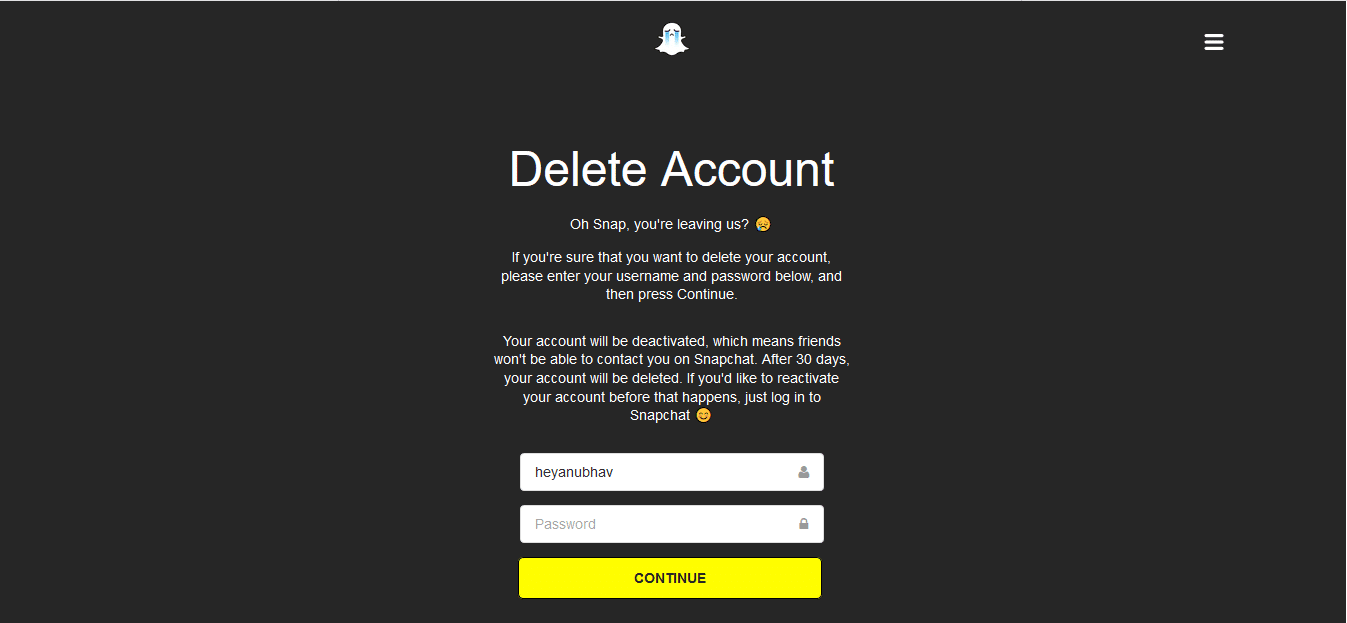
Once your account is successfully deactivated you will receive a confirmation mail. You just have a limit of 30 days to change your mind and start using Snapchat again. Once your account is deactivated your friends won’t be able to send you snaps.
ALSO READ: Snapchat Redesigned Interface Rolled Out, Focuses More On Friends
Delete Your Account
Next up if you wish to permanently delete your Snapchat account. Simply follow the deactivation steps and then wait for 30 days and after this, your account will automatically get deleted. As of now, there is no direct method to delete your Snapchat account instantly.
Featured Image: TheVerge
BONUS VIDEO
For the latest tech news, follow TechDipper on Twitter, Facebook, Google+, Instagram and subscribe to our YouTube channel.